Episode 12 starts with a quick return to Image Test Pattern 2, then opens Histogram Viewer. Basket borrows the drawing code from Exposure Mask Viewer, runs short of lines, gets bars full of gaps on the first run, and steps through the program until it finds the trouble. Histogram Viewer passes before the video ends.
A shorter test pattern
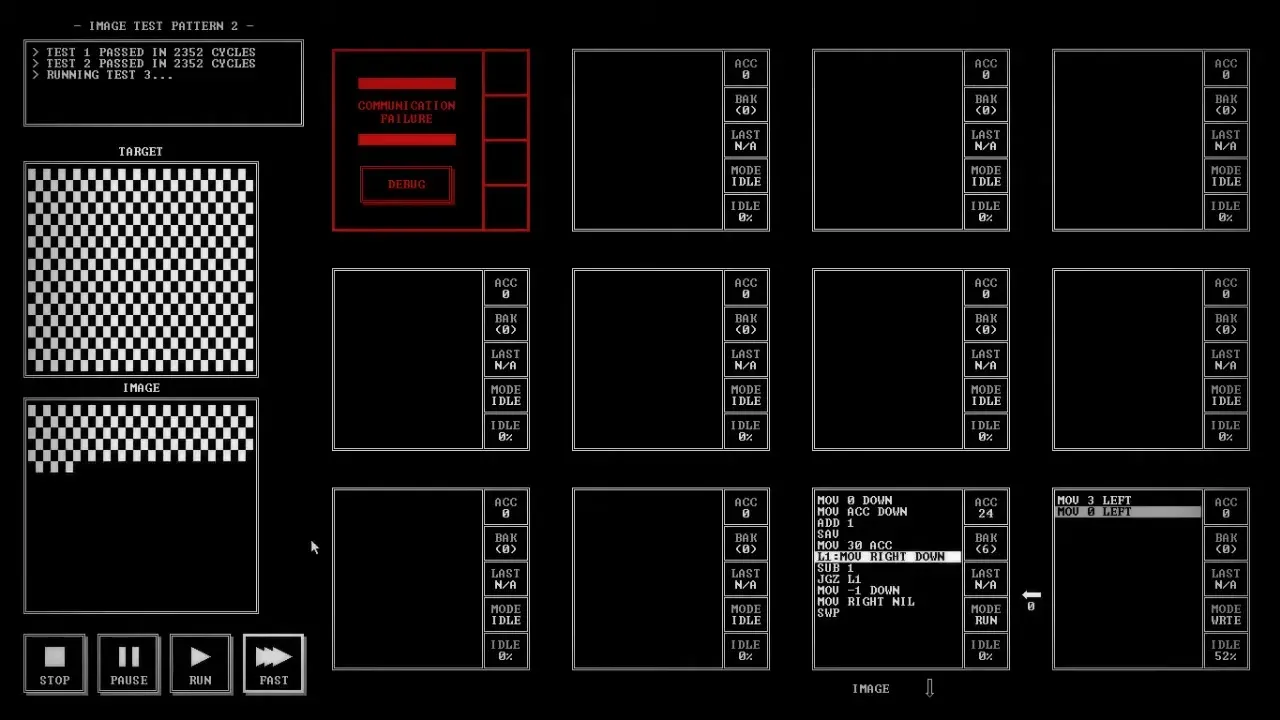
The commentary has thought of a smaller way to draw the checkerboard in Image Test Pattern 2: the old version is "way more complicated than I need." The bottom right node is cut down to two lines, "MOV 3 LEFT" and "MOV 0 LEFT," and the run passes. The result screen shows 2352 cycles, 2 nodes and 13 instructions, with fewer cycles and one less instruction than a friend's score.
Borrowed drawing code
Next is Histogram Viewer, "whatever that means." The task panel reads: "Read a value from IN. Draw a line that many units long to the right of the previous line drawn." The target is a white histogram, beside a column of numbers under IN. On the segment map, the friend's score to aim for uses four nodes.
Basket opens Exposure Mask Viewer and copies its code across: "MOV UP RIGHT" and "MOV LEFT DOWN" in the bottom row, and the drawing loop with "L1:MOV 3 DOWN." The width is always one here, so that part goes. The X value, as the commentary puts it, is "a value that slowly increases over time," and it lives in the backup register. Nothing on screen gives the image's height, so the commentary counts the target and settles on "20 up, 30 across."
Out of room again
The top node fills up fast. It reads a value, swaps out X and sends it down, works out "SUB 20" and "NEG" to find where the column starts, sends the color 3 and a -1, and then has to undo the math to count the height down. With no space left, Basket moves the math into the middle node: "MOV UP DOWN," "MOV UP ACC," "SUB 20," "NEG," "MOV ACC DOWN," "MOV 3 DOWN," "MOV -1 DOWN." The top node keeps the loop, with an END label that adds 1 to X.
Bars with gaps
The first run draws thin bars with gaps between them. "It skipped one." Then a flat strip appears along the bottom. "Okay, so it started painting sideways."
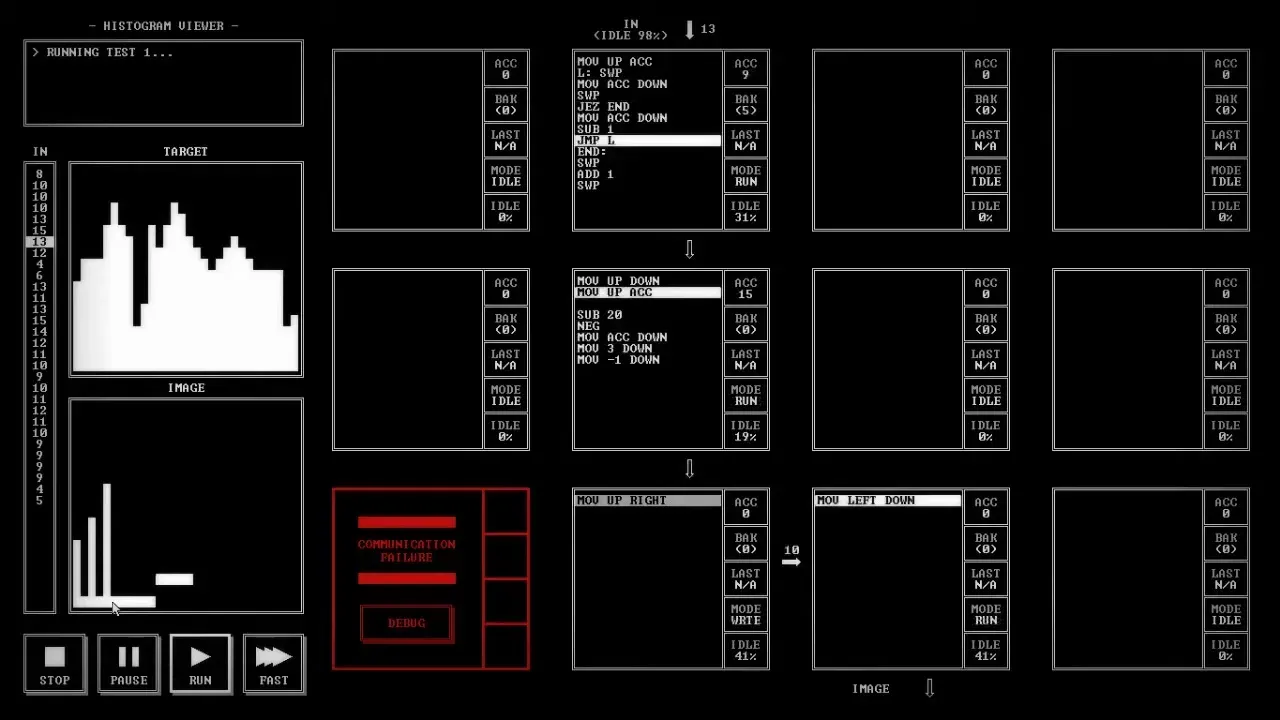
Basket changes the bottom right node to "MOV LEFT ACC" and "MOV ACC DOWN" so the numbers can be seen at a breakpoint, then steps through. The X value goes up as expected, but something arrives at the wrong time. "How did I get here?"
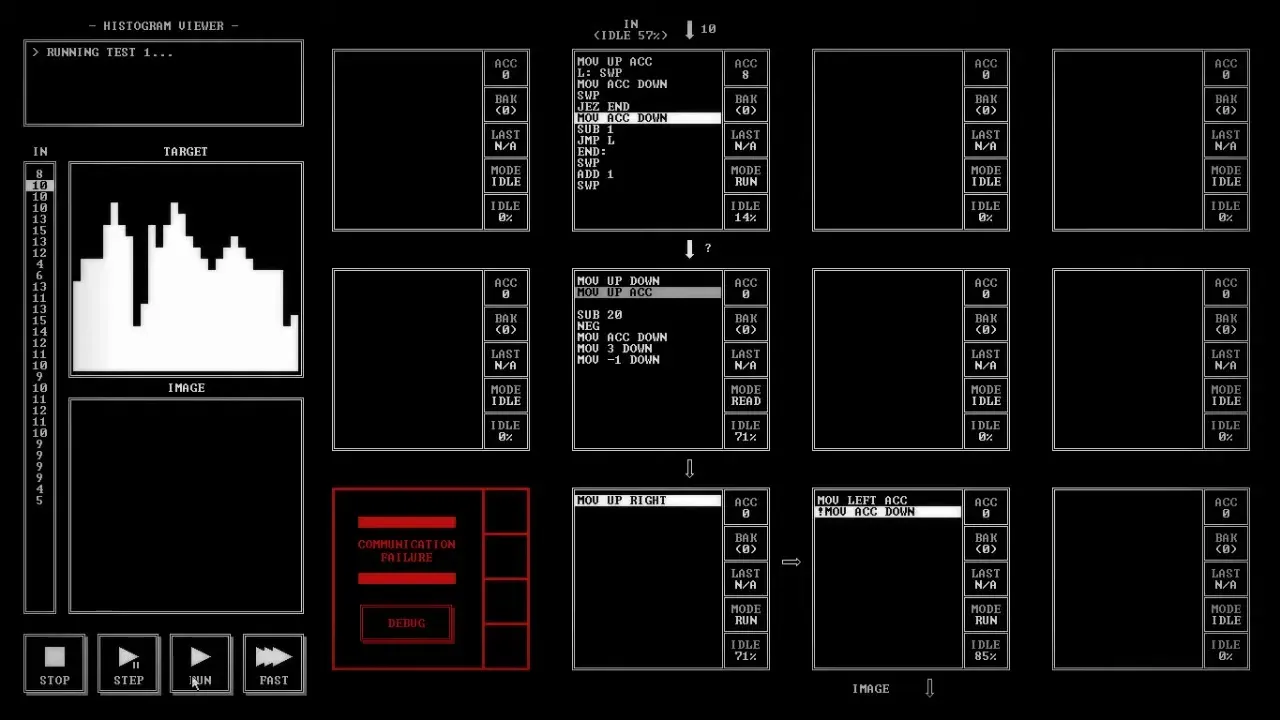
The commentary finds it near the end of a column: the loop sends X again, but never sends the Y that should follow it. "JEZ END" moves to the top of the loop, so the program jumps out before sending anything.
One pixel short
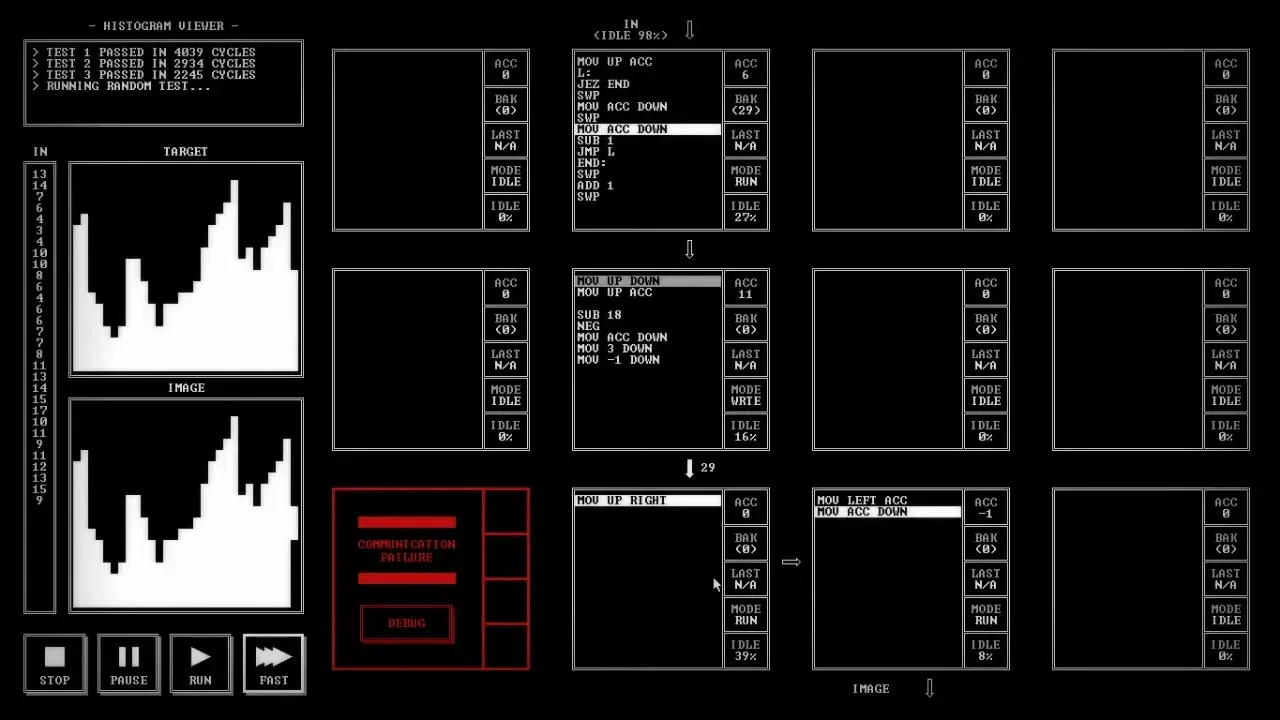
The next run looks right until the commentary decides it is "too short by one pixel." Basket tries "SUB 19." "I really can't tell." Then "SUB 18," and every test passes, including the random one.
Where it ends
The result screen reads 4039 cycles, 4 nodes and 21 instructions. The friend's score has the same number of nodes, fewer cycles and more instructions. "I had less lines of code." The segment map shows Histogram Viewer as nominal, and the video cuts to the end card.